Passkeys & Sign-in
TripDeck accounts use passkeys instead of passwords. No password to create, remember, or leak.
Passkeys
A passkey is an industry-standard authentication method that uses your device's built-in security, such as Face ID, Touch ID, Windows Hello, or a hardware security key, to prove it's you. There's no password stored anywhere, on TripDeck's servers or otherwise, so there's nothing to leak in a data breach and nothing to forget.
There's no email-and-password fallback. If your current device and browser don't support any of the above, account creation isn't available there yet. TripDeck's guest mode still works fully without an account in the meantime.
Signing Up
Open the account panel and choose Create a New Account.
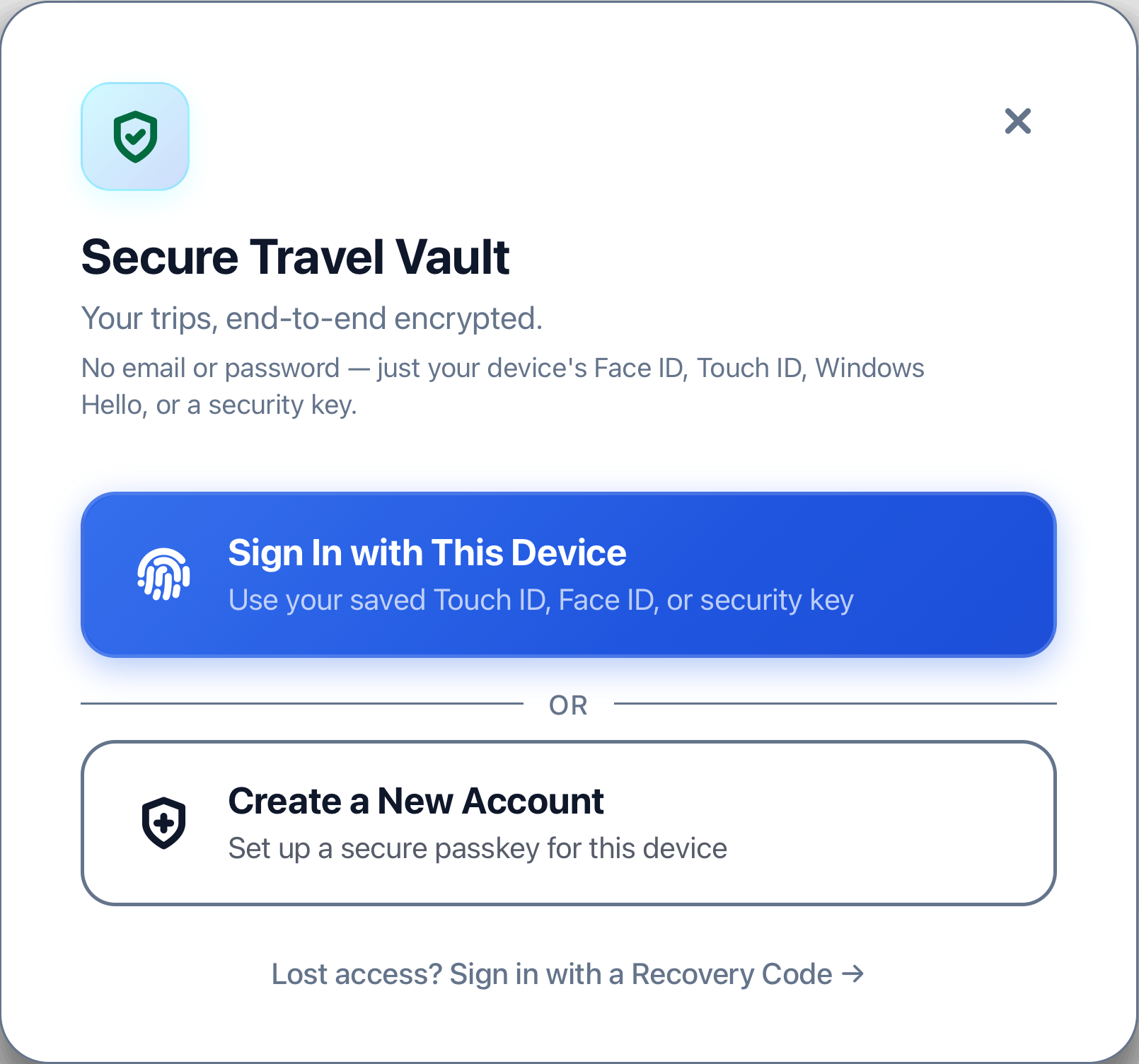
Confirm on the next screen, then your browser or operating system prompts you to confirm with Face ID, Touch ID, a fingerprint, your device PIN, or a hardware key, depending on what your device supports.
Once that's done, you're signed in and account onboarding will continue.

Right after your first sign-up, TripDeck asks if you want to start with a sample trip or with a blank itinerary. You're invited to give a display name and to generate a Recovery Key.

If you ever lose access to every device with a saved passkey, a Recovery Key is the only way to get back into your account, so it's recommended to set up your Recovery Key when you create your account.
If you lose your Recovery Key, you can regenerate a new one from the Account & Security settings panel.
Multiple Devices
If your passkey lives in iCloud Keychain, Google Password Manager, or a similar service, the sync will automatically provide access to every device signed into that same account, so signing in on your other devices just works automatically.
Adding a device on a different ecosystem, like a Windows PC or a hardware security key, to an account you created on iCloud, works too. From the account drawer, use Add This Device to register an additional passkey against your existing account rather than creating a second one.
Losing Access
If you no longer have any device with a saved passkey, use the Recovery Code to restore access. Recovery attempts are rate-limited, so repeated failed attempts from the same source will be throttled.
See Also
- Getting Started Overview of using TripDeck
- Building a Trip Start building a trip