A Travel Planning App
That Gets Out Of Your Way
Replace scattered notes and confirmation emails with one smart schedule. TripDeck auto-fills live flight info, weather forecasts, and packing suggestions.
Start building immediately in your browser
Enter a flight number or place name to fill in the rest
Trip itineraries are end-to-end encrypted
Full access without WiFi or cell signal
Add Some Whimsy To Your Life
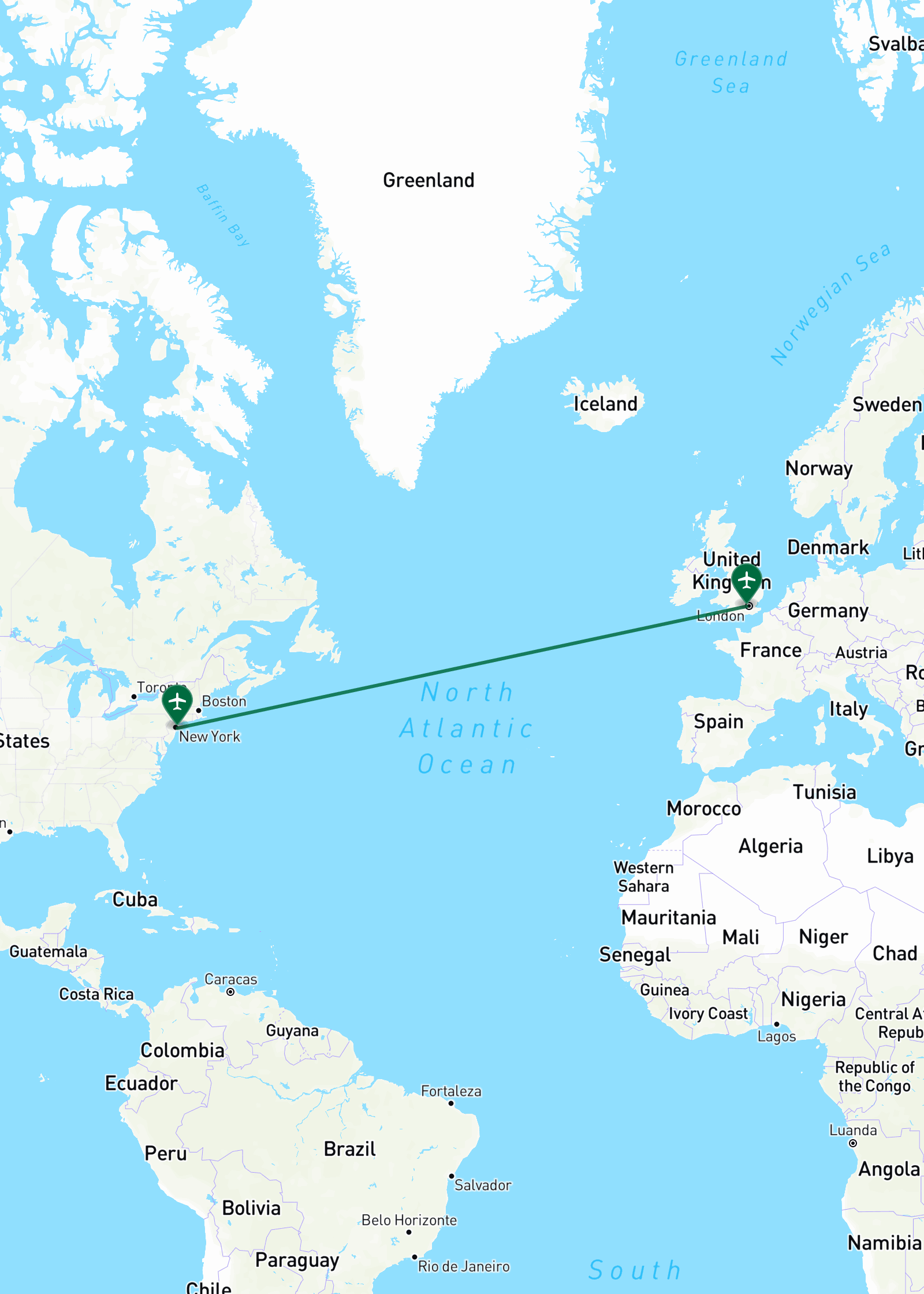
Interactive preview of the trip builder, showing a sample London itinerary — flights, hotel, dining, and activities organized into a visual timeline with map and weather widgets.
Organize Your Entire Trip Visually
Drag events into place, and let TripDeck fill in the rest.
-
Flight Auto-Lookup: Type a flight number for instant routes, gates, and live status.
-
Find Any Place: Drop hotels and dining in with addresses and map pins auto-filled.
-
Smart Travel Categories: Dedicated cards for Flights, Hotels, Cars, Dining, Activities, and Ideas.
-
Activity Sandbox: Keep flexible ideas separated until you're ready to lock them in.
Interactive Maps & Weather Forecasts
Every flight, hotel, and activity plots itself on a live map, with real-time weather forecasts for your destination.
Automatic Mapping
Auto-plot your airports, hotel stays, and activity stops on an interactive map.
Weather Forecasts
Real-time weather forecasts for your itinerary stops so you always know what to wear.
Milestone Ticker
Countdown animations for your next flight departure or hotel check-in.
Time Zones Handled
Land at 8 PM local? Event times auto-adjust as you cross time zones.
Smart Packing Lists Tailored to Your Trip
TripDeck looks at your itinerary, including flights, dates, and forecasted weather to suggest what to pack.
-
Weather-Aware Recommendations: Pulls the real forecast for each stop and suggests rain jackets, warm layers, or sunscreen.
-
International Trip Accommodations: Crossing borders? TripDeck will automatically add items like adapters and currency for your trip locations.
-
Category Organization: Items are automatically grouped into helpful categories, with a progress bar showing how much you've packed.
-
Packing List Library: Save and reuse your packing lists for future trips.
Budgeting & Expense Tracking, Built Into Your Itinerary
Track expenses for flights, hotel, or reservation as you plan, and TripDeck tallies it automatically. No separate spreadsheet, no manual math across currencies.
-
Live Currency Conversion: Add costs in any currency and see them converted automatically.
-
Category Breakdown: Group spending across Lodging, Transport, Activities, Dining, and more.
-
General Expenses: Add vacation packages, cash purchases and other miscellaneous costs.
-
Budget Cap & Export: Track spend against your target limit and export anytime.
Your Trip Stays Private
TripDeck keeps your travel plans private and accessible anywhere.
End-to-End Encrypted
Your trip details are encrypted and always private to you. We don't want to see your data.
Safe Sharing
Share read-only links with friends and family while keeping confirmation numbers and private details hidden.
Go Off Grid
No Wi-Fi? No problem. Access flight gates, hotel addresses, and reservation notes instantly in airplane mode or underground.
Plan Today, Revisit Tomorrow
Sign in once to save every trip to your account. Plan next month's getaway with insights from last year's road trip.
Unlimited Trips
Keep every trip, past and future, in one dashboard instead of scattered notes and screenshots.
Search & Sort
Find any trip by name or date, or search for something inside one, like a hotel name or flight number.
Plan Together
Invite someone to collaborate on a trip, or send a view-only link so family can follow along.
Sync Everywhere
Plan on your laptop, pull up your trip on your phone. Info is always current.
Your Data, Never Locked In
Export or copy your complete trip markdown into any note-taking app anytime.
Built for Instant Use. Powers Every Trip.
Start planning immediately in your browser, or create a free account to sync encrypted trips across all your devices.
Swipe to compare plans
Guest Mode
Start building immediately on your device. Ideal for quick trip drafts and instant timeline generation.
- ✓ Instant Plain-Text Parsing
- ✓ Interactive Maps & Forecasts
- ✓ 100% Offline Access
- ✓ One Device Access
- ✓ Single Trip
- ✓ Solo Trip Building
- ✓ One-Click Upgrade to Full Account
- ✕ No Cross-Device Trips
- ✕ No Saved Packing Templates
- ✕ No Sharing
Free Account
Save unlimited trips in your private encrypted vault, synced across all your devices.
- ✓ Everything in Guest Mode
- ✓ Multi-Trip Vault & History
- ✓ Cross-Device Encrypted Sync
- ✓ Add Trip Collaborators
- ✓ Smart Weather Packing Tips
- ✓ Reusable Packing Templates
- ✓ View-Only Link Sharing Options
- ✓ Save Trips Shared to You
- ✓ Supports A Human Building Tools for Humans
Pro Plan
For frequent travelers requiring live flight updates, calendar feeds, and print-ready exports.
- ✓ Everything in Free Account
- ✓ Live Flight Gate & Status Updates
- ✓ Styled PDF & Printable Exports
- ✓ iCal & Google Calendar Live Sync
- ✓ Passcode Protected Share Links
- ✓ Live Weather Updates
- ✓ Trains & Transit
- ✓ Budget and Expenses
- ✓ Trip API Access
- ✓ More Themes
Documentation & Support Hub
Your complete guide to TripDeck. Learn the essentials, explore advanced features, and get answers fast.
Getting Started
Learn the basics of TripDeck: starting in guest mode, navigating the dual-pane workspace, and adding events.
Build a Trip
Learn itinerary assembly with the Visual Builder. Learn how to add, reorder, and shift events, dates, and places effortlessly.
Frequently Asked Questions
Everything you need to know about planning trips with TripDeck.
Do I need to create an account to start planning?
No account needed to start. Signing in saves your trips, adds packing suggestions and reusable lists, and keeps everything synced across your devices.
How does offline access work in airport dead zones?
TripDeck saves your active itineraries in your browser's offline storage. You can view your flight numbers, hotel addresses, and schedules even when you have zero WiFi or cellular signal.
Are my flight confirmation numbers and personal notes safe?
Yes. Your itineraries are encrypted privately on your device before saving. When you share view-only links with friends or family, private confirmation numbers are automatically hidden.
Can I export my travel data anytime?
Yes! You own all your data. You can copy, download, or transfer your trip notes into any document or text file whenever you wish.